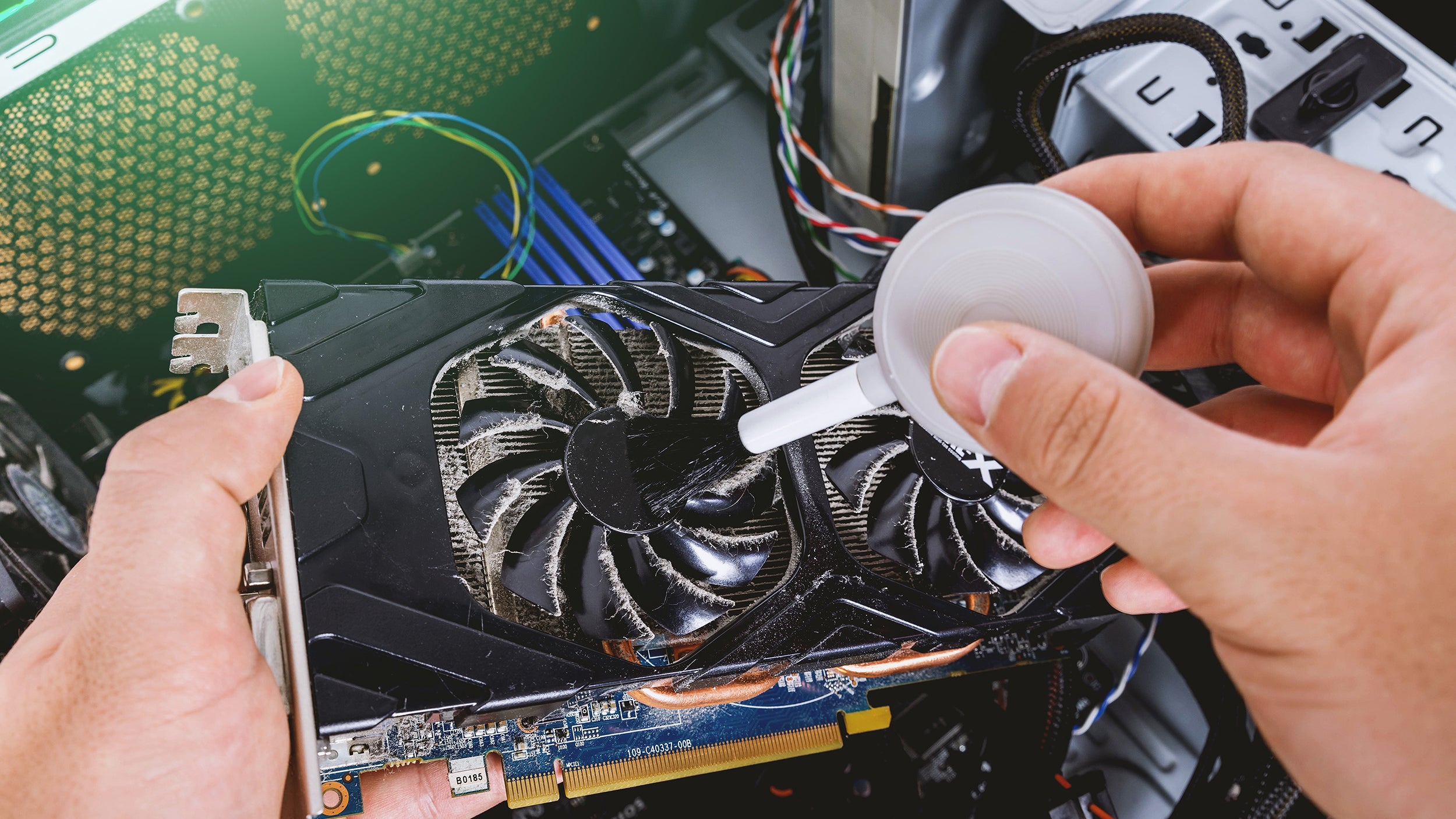
Stop the Overheat: The 5-Minute Dust Clean
Why do it? Dust is the silent killer of hardware. It clogs fans and acts as insulation, causing your CPU to overheat and slow down (thermal throttling).
Dust accumulation inside your computer is a stealthy but serious threat to its performance and longevity. While it might seem harmless, dust acts like a silent killer by clogging the cooling fans and insulating heat-sensitive components. This buildup impedes airflow, causing your CPU to overheat and trigger thermal throttling—a protective mechanism that slows down processing speed to prevent damage.
Understanding why dust matters is the first step to preserving your hardware’s health. Overheating not only degrades performance but can also shorten the lifespan of critical components. Fortunately, a quick, regular dust clean can efficiently combat this issue, often taking just about five minutes.
However, it’s crucial to approach this maintenance with care. One common mistake is using a vacuum cleaner inside the PC case. Although tempting, vacuum cleaners generate static electricity, which poses a high risk of frying delicate electronic parts. Instead, the safest method involves using compressed air to blow the dust away gently from fans, heat sinks, and circuit boards. You can also use a soft brush to dislodge stubborn dust without causing static buildup.
By incorporating this simple cleaning routine into your maintenance schedule, you ensure optimal airflow and temperature control, keeping your system running smoothly and efficiently. Think of it as a small investment of time that prevents costly repairs and frustrating slowdowns.
In essence, stopping the overheat begins with a mindful dust clean—quick, careful, and effective. Your hardware will thank you with better performance and greater reliability.